Initially, audit of heuristics, Ux probelms, monetization and usability.
Later, design of systems for better interaction, reminders and customer loyalty through widgets on homescreen, quick acesses, notifications, social fnctions and rewards
Role: Colaborator UX designer.
Duration: 3 months
Tools: Figma, typeform, google form, figjam,
notion, maze, chat Gpt deep research
Type of project:
The audit focuses on identifying the app's current issues so the client can understand them and take action.
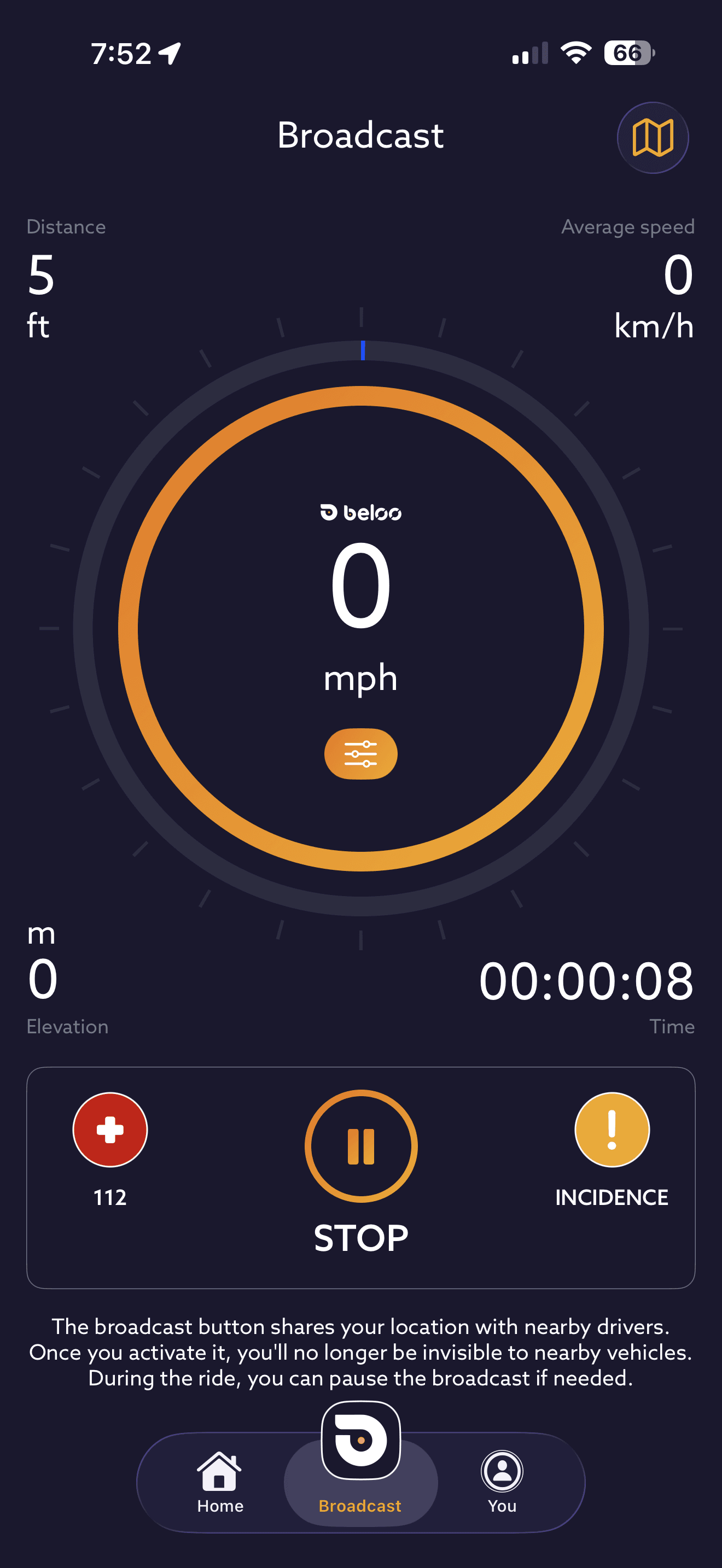
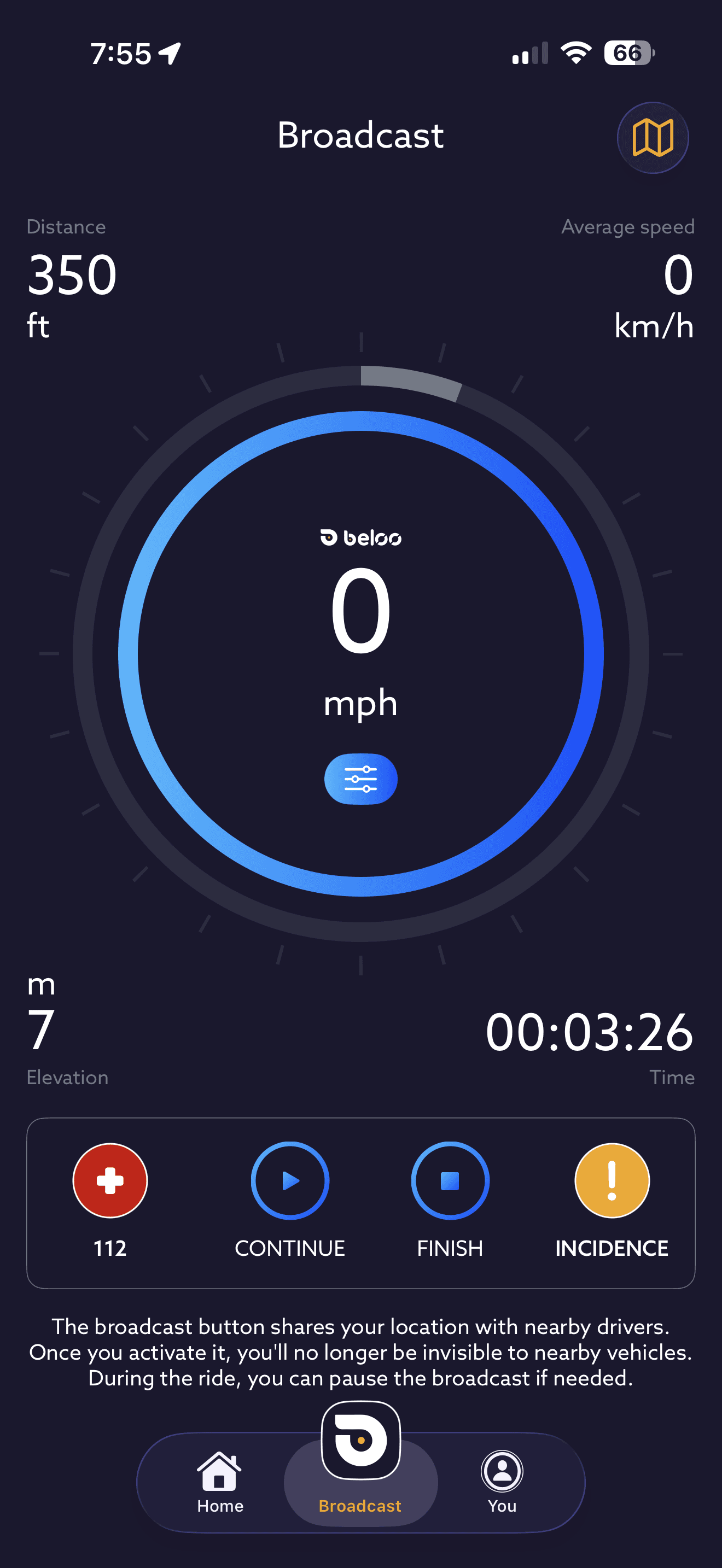
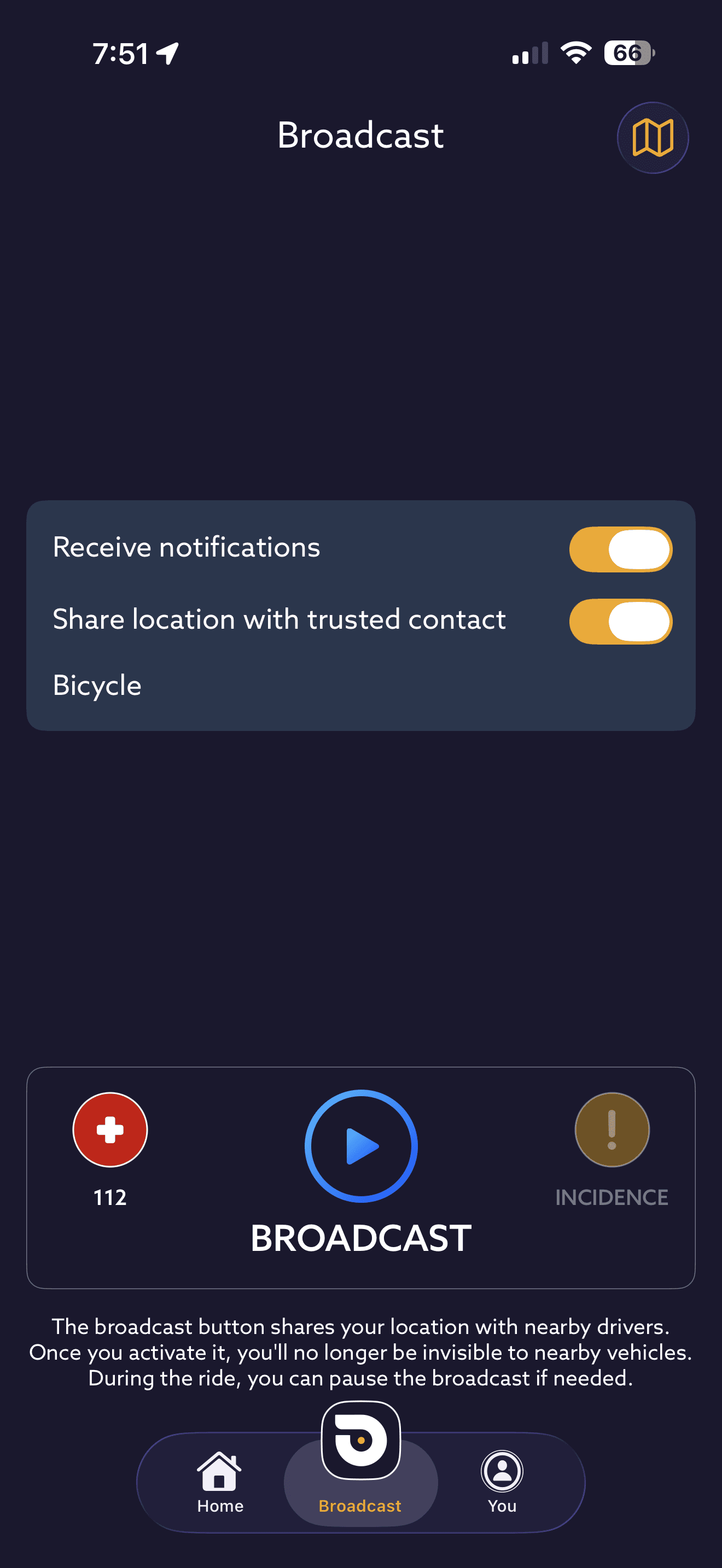
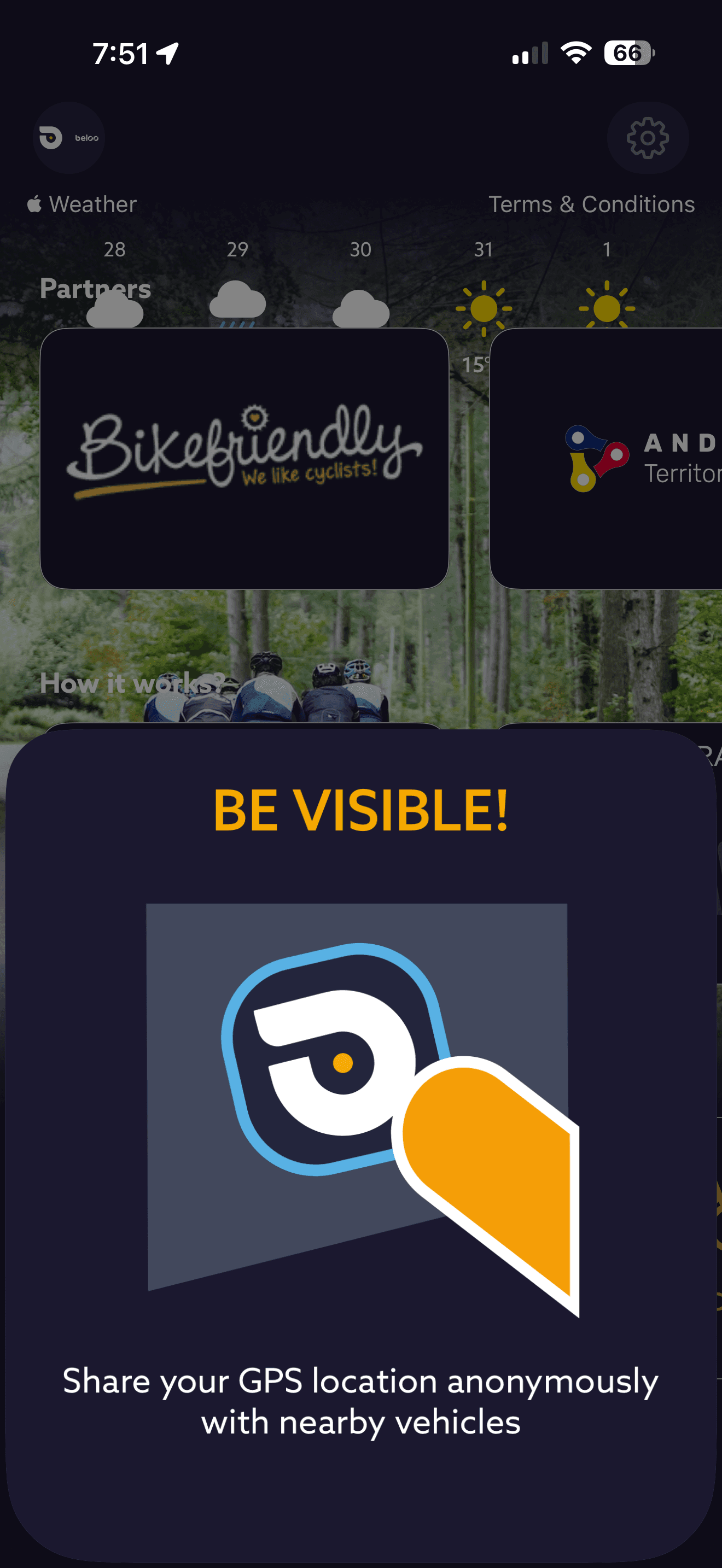
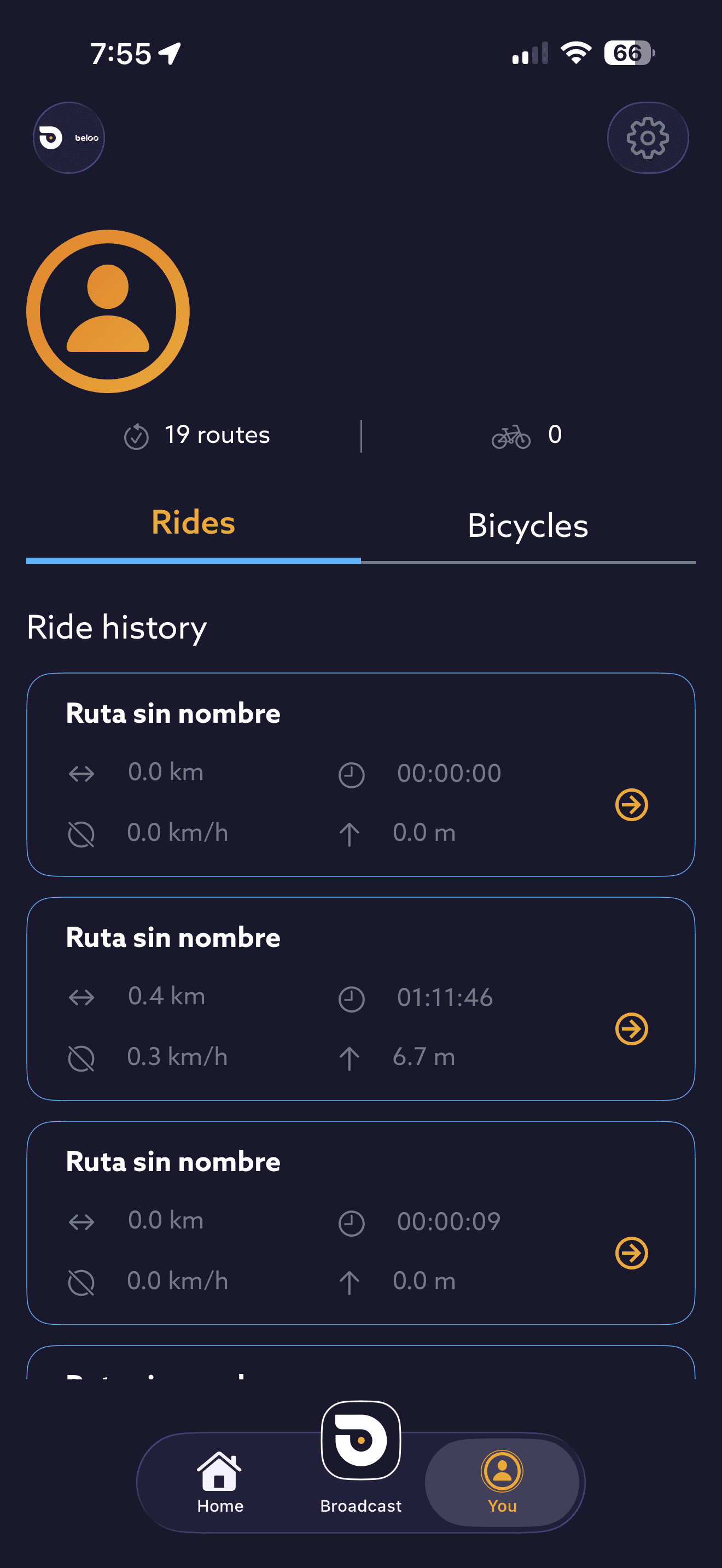
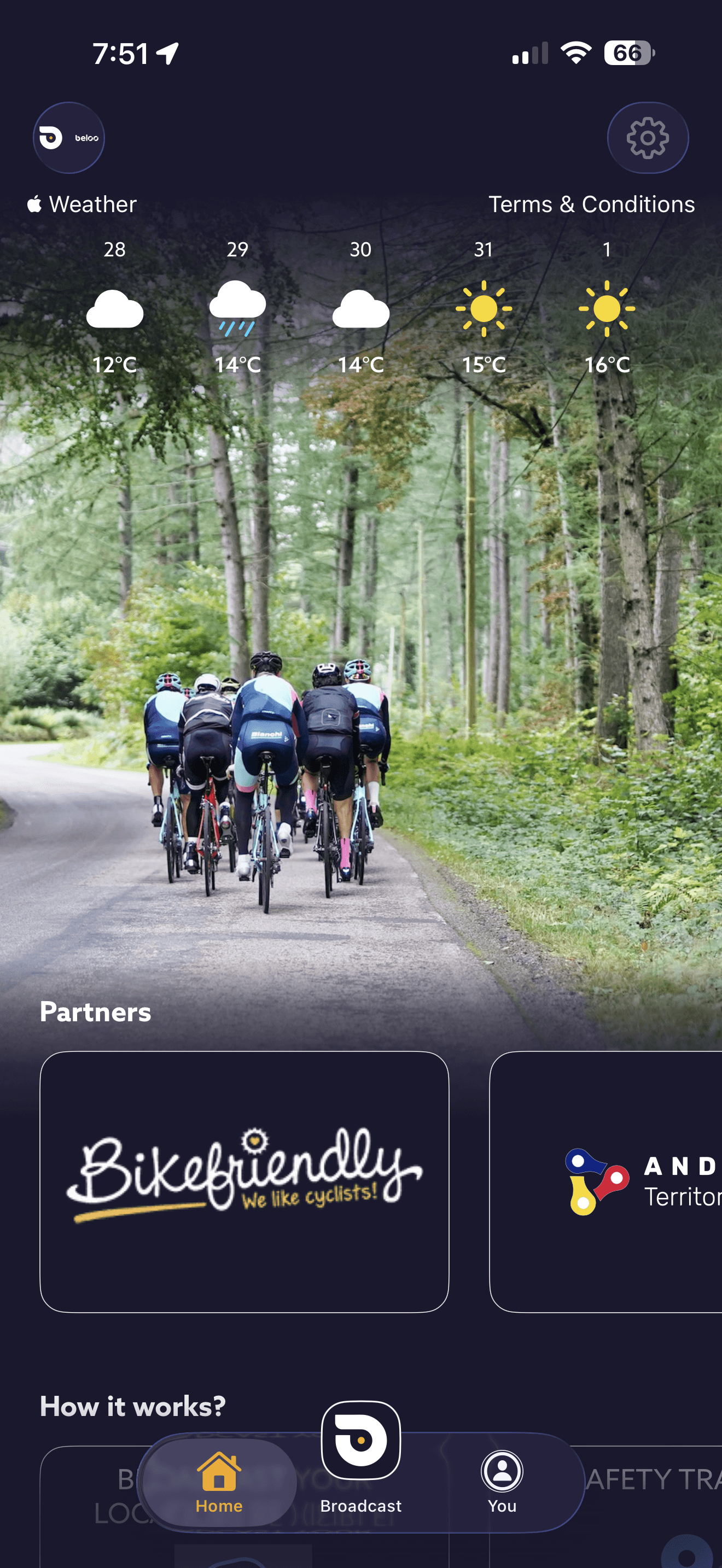
The audit consisted of two phases, always identifying the problems, providing solutions, and demonstrating their impact. First, a preliminary analysis of heuristics, usage patterns, accessibility, CRO, usability, branding, colorimetry, performance, etc. Second, user testing was carried out, in which users were asked to use the app for several days, where several users reported:
"I forget all the time that I have
to use the app"
"I don't understand exactly what it's for"
Original app
Final point in the audit
Solutions to increase use
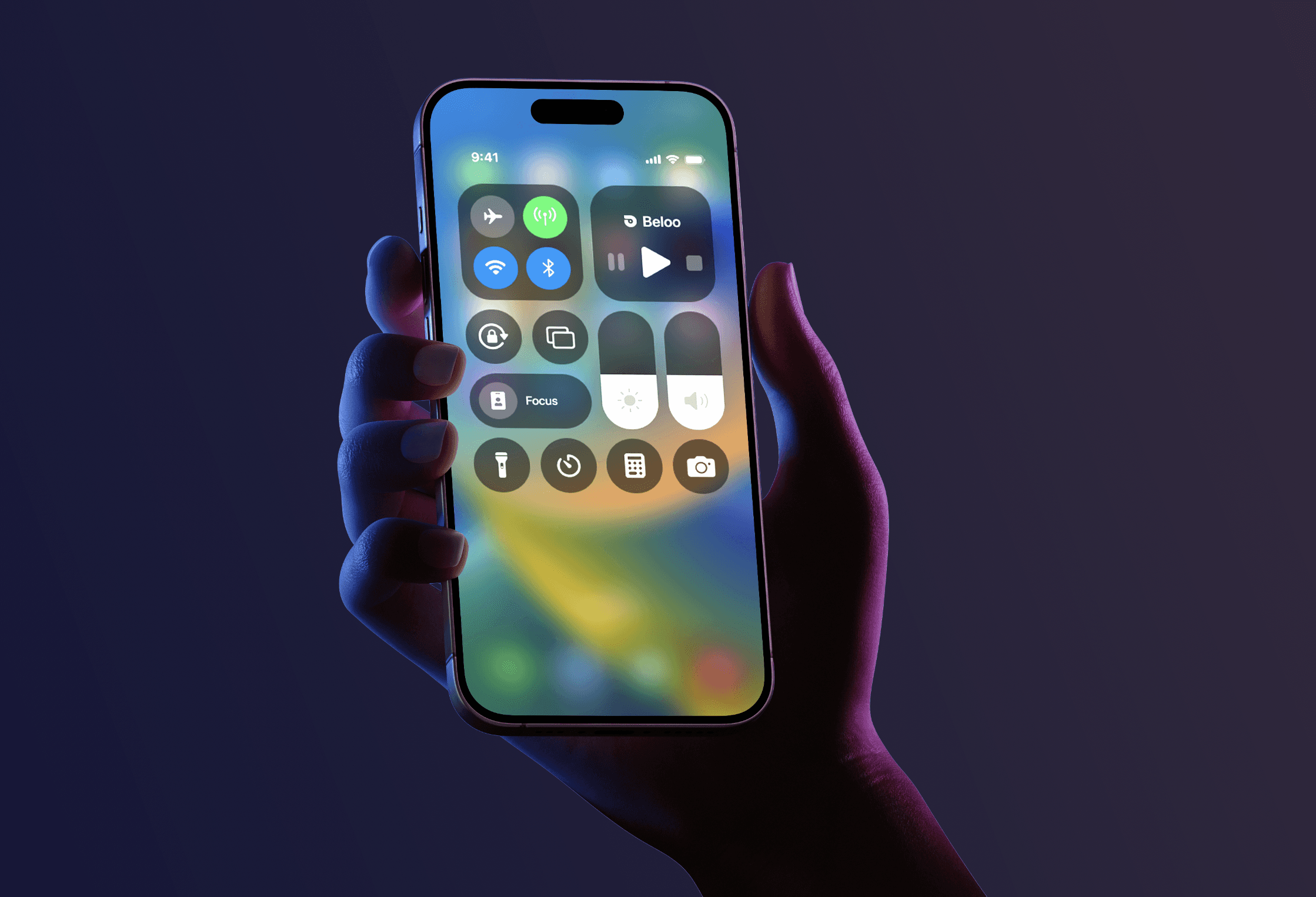
After a long process of research and development, several solutions were developed to increase daily user use of the app through incentives, quick access, and reminders and smartwatch app/widget.The incident reporting buttons, for accessing roadside insurance, and for calling 911 will always be available.
The social features allow you to share your location by sharing a link, sharing your position with other cyclists on the app on the map, and creating events and rides to join. The maps also show relevant points such as water fountains, hills, repair shops, etc.
Notification & reminders
Shortcuts in quick controls
Homescreen widget
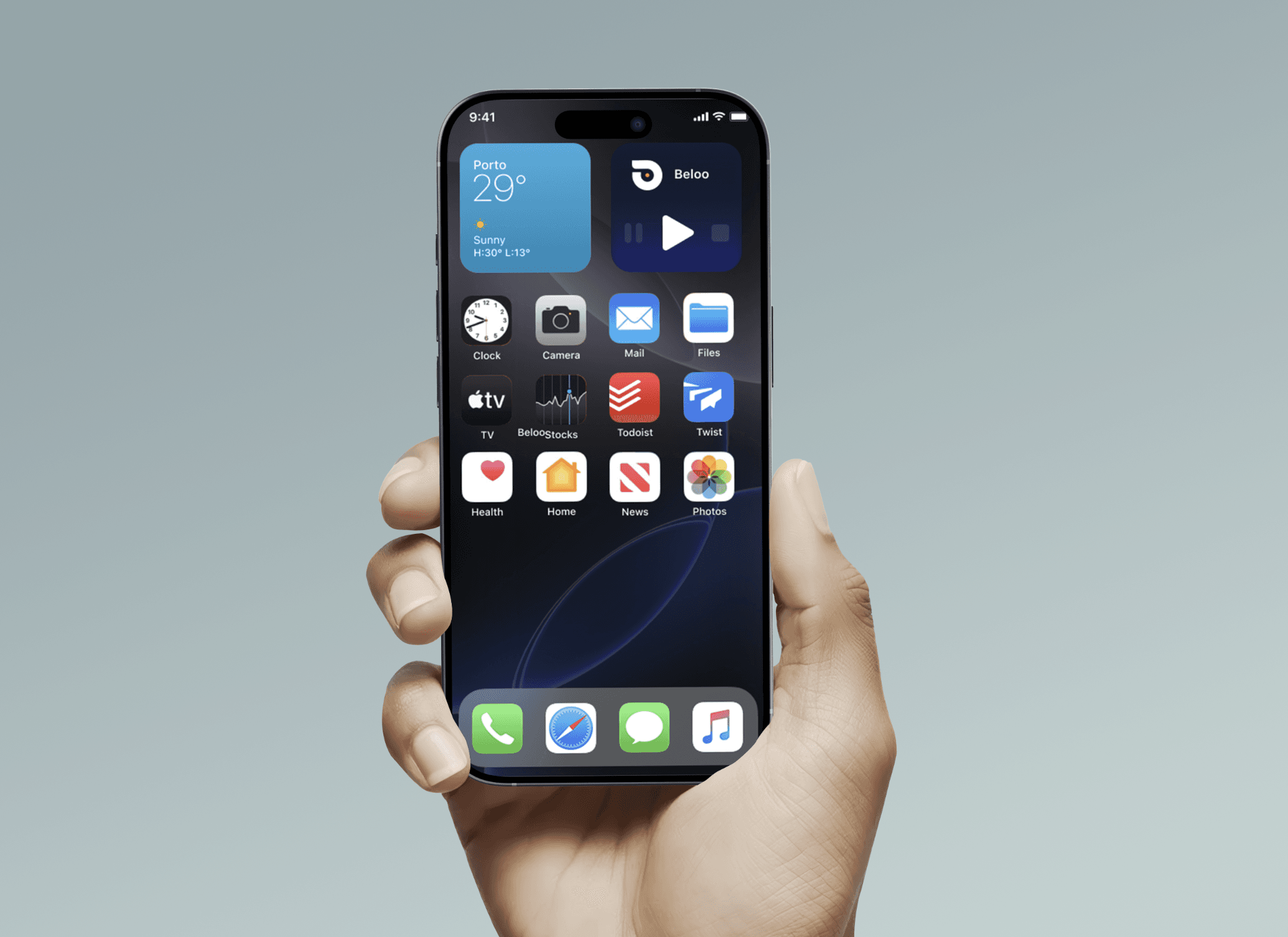
App design
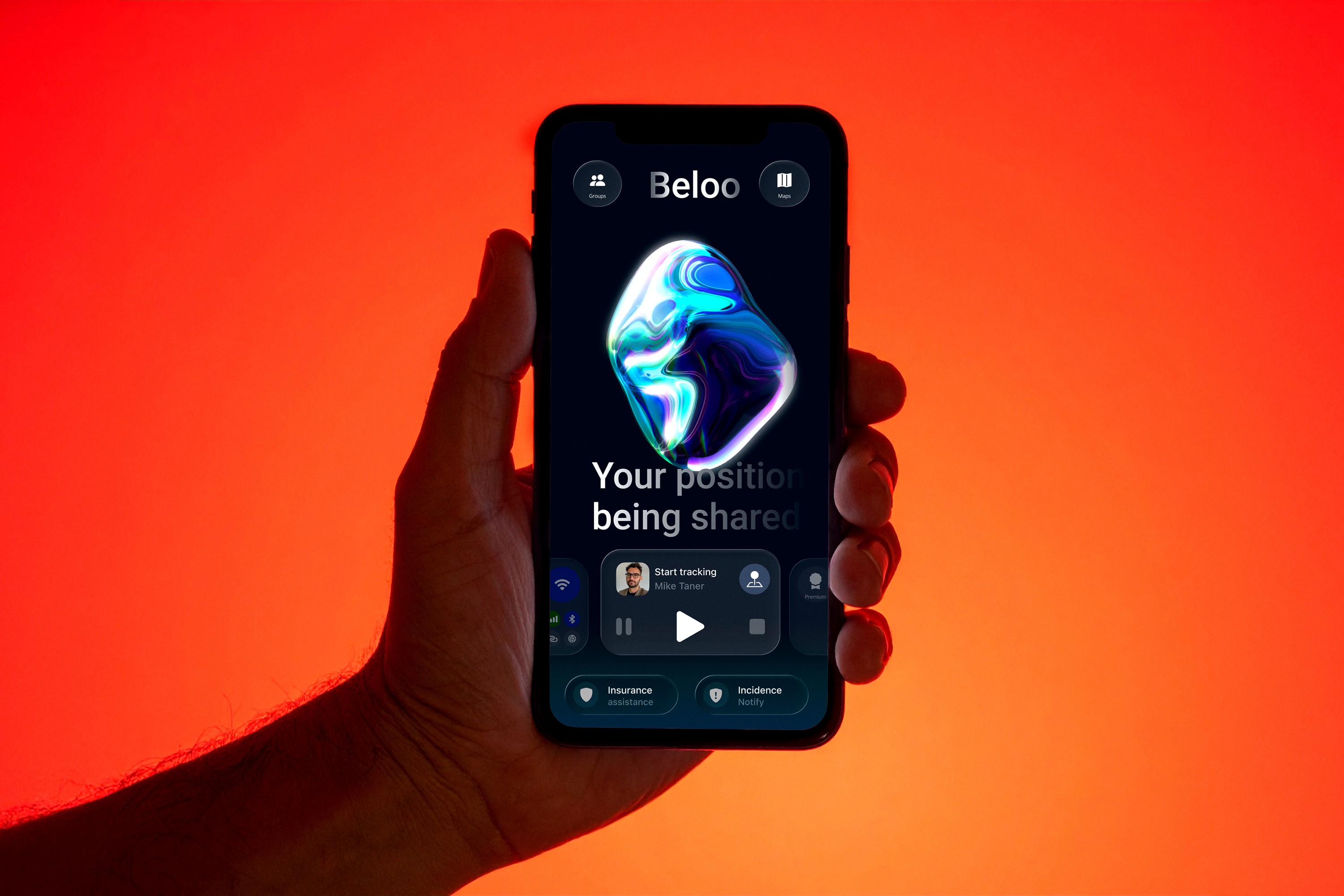
The redesigned app showcases improvements across the board and offers quick access to all features. It boasts a more refined color scheme that also serves as a feedback element. The central element is a sphere representing an AI entity that displays information beneath it. Below that is a carousel with various function menus. At the top are the logo and the social and maps buttons.
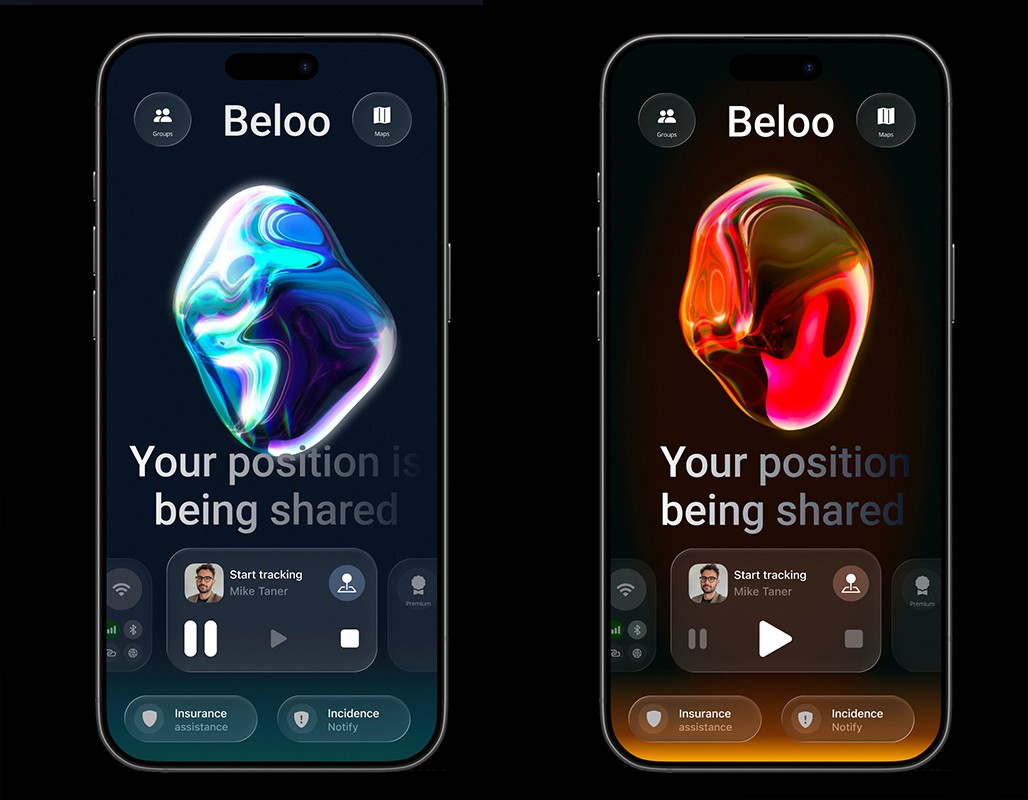
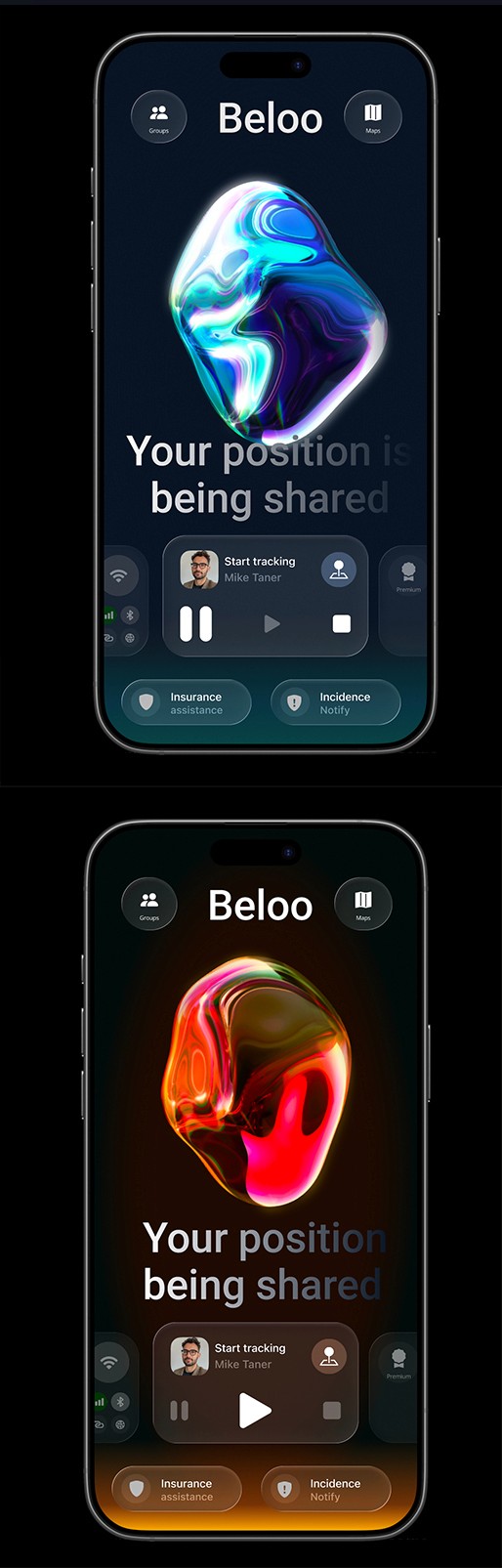
3d interactive ball in spline
An interactive system was developed that replicates an AI with behavior associated with the user's states and actions. This element humanizes the application, making it feel alive and increasing user engagement. Thus, various sizes and colors indicate different states: orange when the app is waiting to track the user's position, and a greenish-blue that creates a sense of calm when the position is being transmitted.
Alert. Moving but not tracking
tracking on state
Motion in
Feedback messages
Feedback messages are used to communicate information to the user. A database will display information depending on the current conditions, using an animation like the one shown:
Hi Mike. Ready to ride today?
With Beloo Premium you have roadside insurance and auto-start
Broadcasting your position.
Pause detected.